The faceplate display
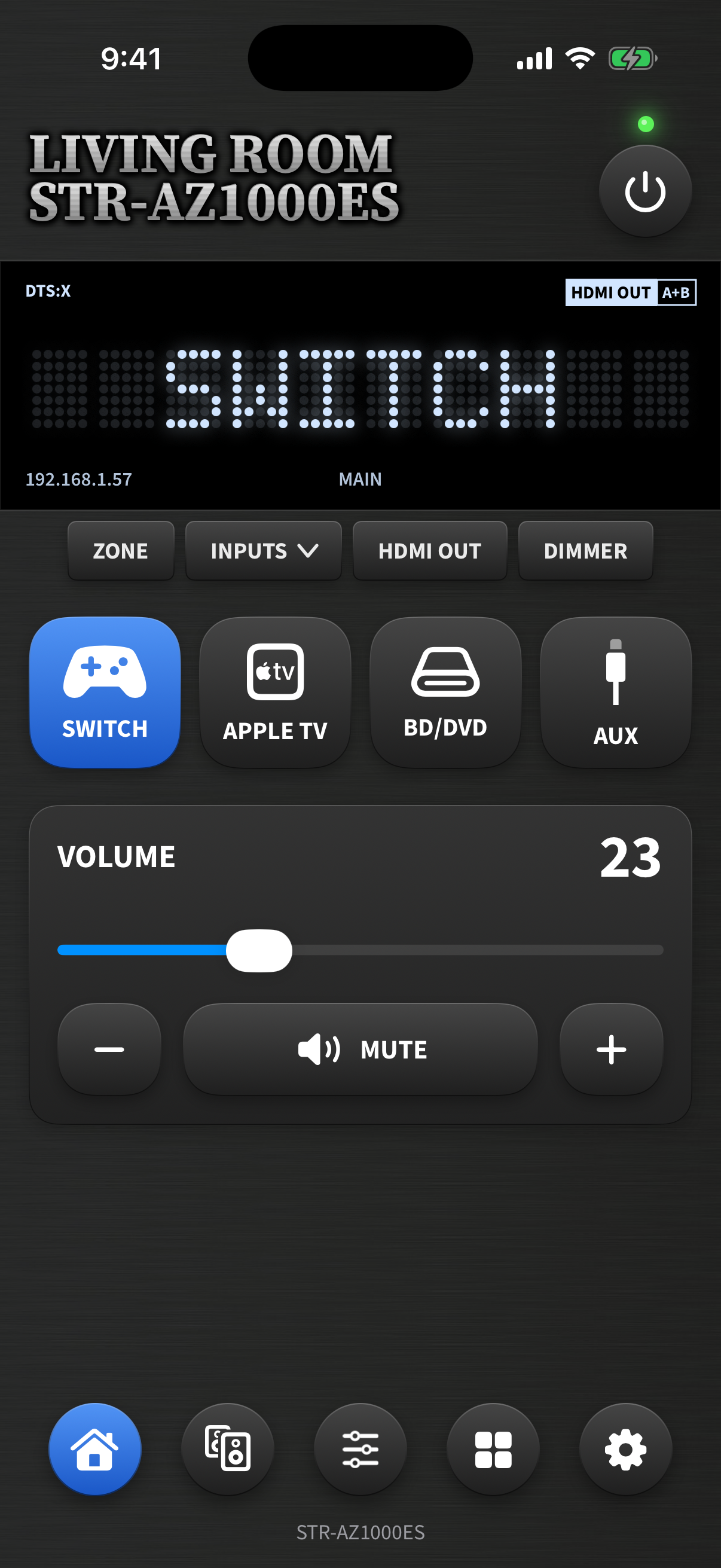
The top of every page is a live replica of the receiver’s front panel:
- Dot-matrix display — shows the current input name, scrolling long names just like
the hardware; flashes
VOL nnwhile you adjust volume,MUTINGwhen muted, and the dimmer/HDMI selection while you change them. - Sound field indicator (top-left) — the active sound field, plus
PURE DIRECT,DSD, and360SSMtags. It updates automatically when an input recalls its sound-field preset. - HDMI OUT indicator (top-right) — A / B / A+B, exactly like the front panel.
- Zone and address along the bottom edge.
Below the display sit the hardware keys:
- ZONE — cycle Main → Zone 2 → Zone 3
- INPUTS — a menu of every source that doesn’t have a tile (hidden inputs, USB, Home Network, Music Services, and the FM tuner once it has presets)
- HDMI OUT — cycle the monitor output
- DIMMER — cycle the display brightness; the app’s display dims with it
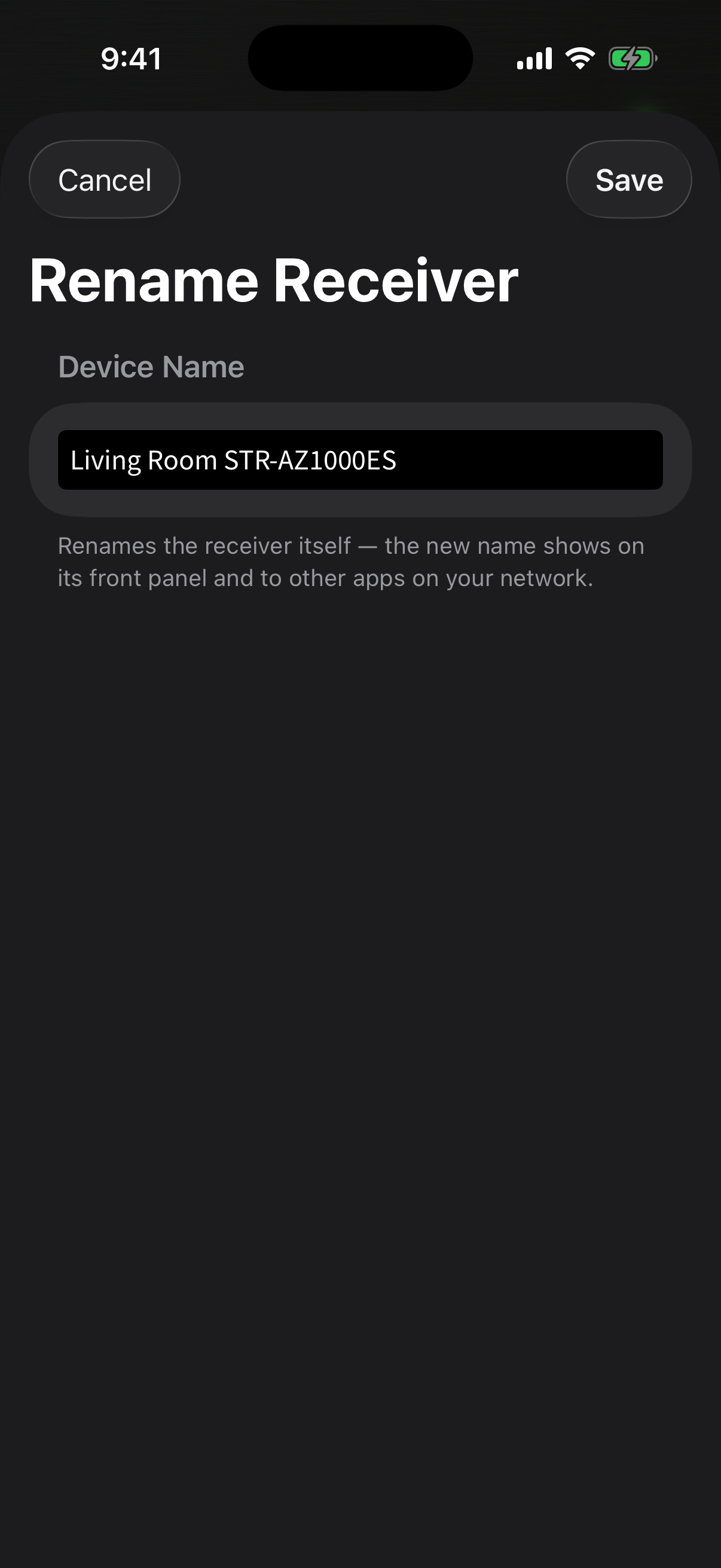
Rename your receiver
Long-press the embossed nameplate to rename the receiver itself — the new name is written over the network, shows on the receiver’s front panel, and appears in every other app on your network. Modern (Audio Control API) receivers only.